
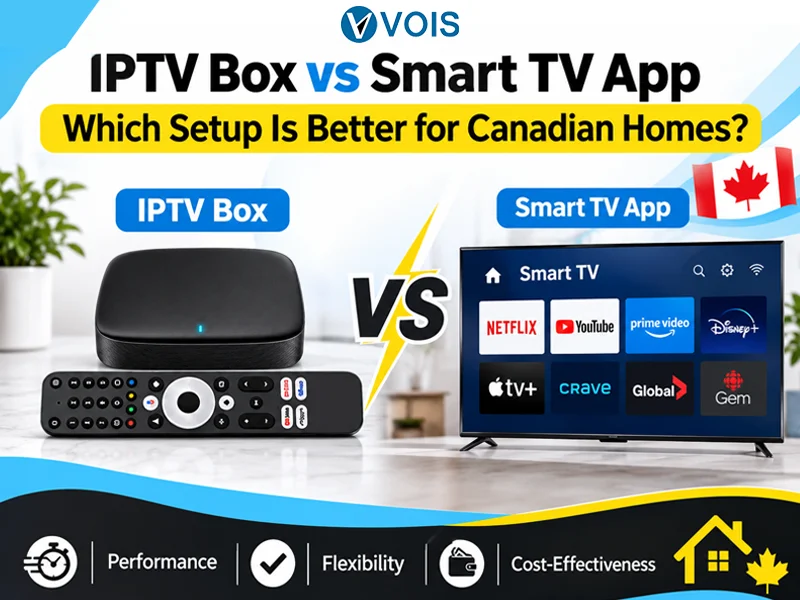
A suitable configuration that will be used for watching television online may impact your daily viewing activity. Some people living in Canada would like to use a standalone media streaming player, while others find it more comfortable to install the application right onto their Smart TVs.
There are differences between two configurations in terms of set up process, compatibility, performance, and ease of use. Choosing between two options depends on the TV you already have, your viewing behavior and requirements.
In case you are trying to choose between an IPTV box Canada and a Smart TV application, this article is going to show you all you need to know about the both solutions.
The IPTV Box is the name of a specialized device that attaches to the television and internet network to use compatible streaming apps and services.
It typically hooks up to the television using an HDMI port. Once connected to the internet and setup, one can use compatible applications and television programs.
A specialized box may be beneficial for people who would like to have a dedicated streaming device as opposed to using the operating system of the television. The services and applications depend on the brand of the device.
This application for Smart TV will help you access the available streaming services through the operating system of your television.
You don’t have to connect any other gadget; instead, you can download an appropriate application from the app store of your TV or from the preferred installation procedure of the streaming provider.
After that, you just need to log into your account. The main advantage of such an application is that it helps decrease the number of devices connected to your TV. Unfortunately, not all Smart TVs support all streaming applications.
| Factor | IPTV Box | Smart TV App |
| Installation | Requires an external device | Installed directly on the TV |
| Connection | HDMI and internet | TV internet connection |
| Extra Hardware | Yes | Usually not required |
| Compatibility | Depends on box specifications | Depends on TV operating system |
| Remote Control | Separate device remote | Usually TV remote |
| Portability | Can be moved between compatible TVs | Limited to the TV |
| Cost | Includes device purchase | May not require additional hardware |
The external box may be attached to other compatible television sets. It may be necessary when changing TVs and when relocating your stream box from one location to another. It is not always necessary to purchase a new stream box each time you get a new TV.
The standalone device is not controlled by your television’s OS. In case your Smart TV doesn’t have enough applications or even a new interface, a dedicated box could help. The quality of work remains dependent on the hardware, software, and available applications of the box.
It should be noted that some older TVs lack Smart TV capabilities. However, if there is an available HDMI port on the TV, a streaming box will give you access to applications available online.
All streaming media players usually have their own remote. This provides you with another means for menu navigation, opening apps and controlling playback. For those who like having their streaming controls separate from their regular TV controls, this feature can be useful.
Should the operating system of your television become obsolete, there is an opportunity for you to update the streaming device externally without necessarily replacing your television set. Before purchasing a streaming device, there is a need for you to consider its software capability and specifications.
The major benefit is the fact that you don’t need to purchase any extra box. It is possible for you to use the television that you currently have. This may ensure that your entertainment system is kept simple.
As the app is installed directly in your television, you don’t need any other HDMI cable and power plug for your streaming box. This will ensure that your space in front of your television remains more organized.
After installation and setup, you will be able to access the app right from the home screen of your television. You may even use your remote if the application works with it.
Many new models of Smart Televisions have various streaming applications that can be utilized. Provided that your TV can accommodate the required application, there will be no need for purchasing extra devices in order to use the service. Nevertheless, not all apps are available on all models of TVs.
If your existing television is capable of handling streaming applications, then you may not have to incur any additional expense for a streaming box. Make sure that the app itself does not require any subscription fees before considering it to be totally free.
Not sure which IPTV service is right for you? Start with a free trial and experience the channels, streaming quality, and entertainment available with Vois IPTV before making your decision.
START YOUR FREE TRIALHowever, neither an IPTV box nor a Smart TV app ensures smooth streaming. Several aspects influence streaming performance such as internet access, hardware of a device, quality of the application, and the infrastructure of the service provider.
An outdated Smart TV will have difficulties with working with complex applications, while low specification streaming box may work slowly as well.
In order to enjoy streaming, one should use stable internet access, up-to-date device software, and minimize the number of open applications. Moreover, if both your television and streaming box have Ethernet, wired connection can be more stable than wireless.
Before buying an IPTV box Canada, it is important to consider the specifications and compatibility of the device before purchasing.
First, check whether it supports the HDMI connectivity of your television as well as Wi-Fi or Ethernet connections. It is also important to consider the operating system, storage capability, RAM, and software update capabilities of the device.
This may determine how well the applications work. It is essential to know that all the devices do not support all the applications. Therefore, ensure that the device is compatible with the application that your preferred service recommends. Finally, consider the cost, warranty, and refund policy of the device.
This will entirely depend on what you already have and how you like to watch television. If you have a Smart TV and it is compatible with your desired app, then it might be the simplest way. This is because you need minimal cables and you don’t need to buy yet another gadget.
However, if your television lacks the ability to use apps or if you like to keep the TV separate from your media or even relocate it, then a box might be better for you.
In case you are searching for internet television services in Canada, make sure you visit Vois IPTV and have a look at the service details.
When deciding which package you would like to subscribe to, be sure to check out which devices are supported by the particular package and which application should be installed and how to install it.
In case you are going for an external streaming device, make sure it is supported by the particular application. It might be useful to make sure of everything before subscribing.
The IPTV box and the Smart TV App both may be handy ways to watch TV online. The latter is a good choice for those who need something easy to install, and the former provides more options in hardware terms.
When making a choice, consider such aspects as compatibility, technical parameters of devices, costs involved, and other factors. The correct way to go is the one that works with your TV set and suits your needs.
It depends on your television and viewing needs. A dedicated IPTV box provides a separate streaming device, while a Smart TV app lets you access compatible services directly through your television. Consider device compatibility, performance, and convenience before choosing.
Yes, provided your Smart TV supports the specific IPTV app. Check your television’s operating system and confirm that it is compatible with your provider’s application before subscribing.
An IPTV streaming box can be a useful option for an older television that has an HDMI port but does not support Smart TV apps. Check the TV’s connections and the box’s compatibility before purchasing.
Not necessarily. Streaming quality depends on several factors, including device performance, internet speed and stability, app compatibility, and the quality of the available stream. A suitable device and reliable internet connection can help provide a smoother experience.
Check the operating system, RAM, storage, HDMI compatibility, internet connectivity, software updates, and return policy. Also, make sure the device supports the streaming application or service you intend to use.
Yes, you can usually move an IPTV box between compatible televisions. Connect it to the other TV using the appropriate port, reconnect to the internet if necessary, and adjust the display settings to suit the new television.